
Watch Keypad
A keypad on your wrist that dials what the built-in one can't: numbers with pauses and codes, saved numbers outside your contacts, one tap from your watch face.
What it does
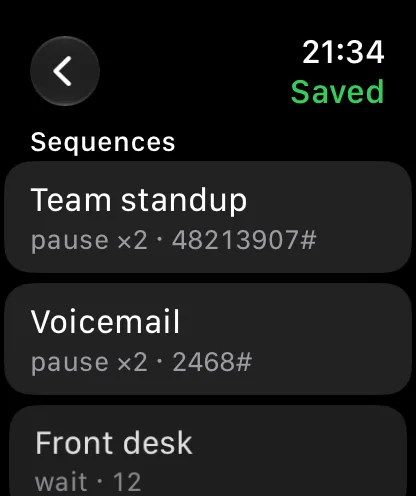
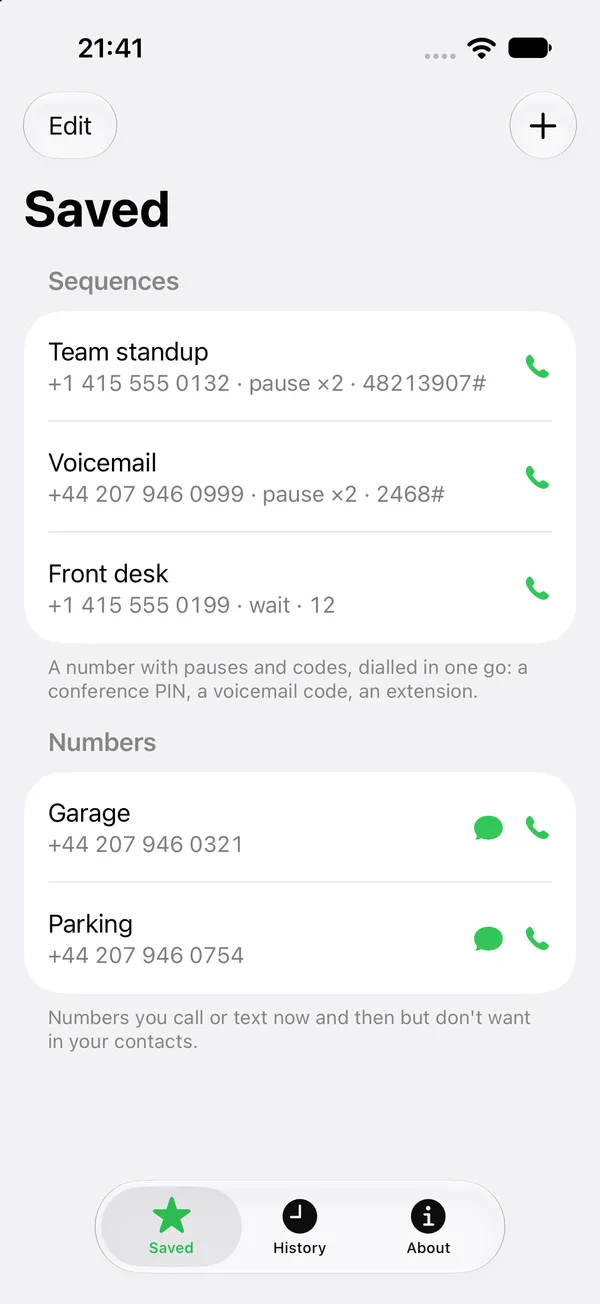
Dial sequences
A number, a pause, then your PIN and #. Conference calls, voicemail and extensions in one tap.
Saved numbers
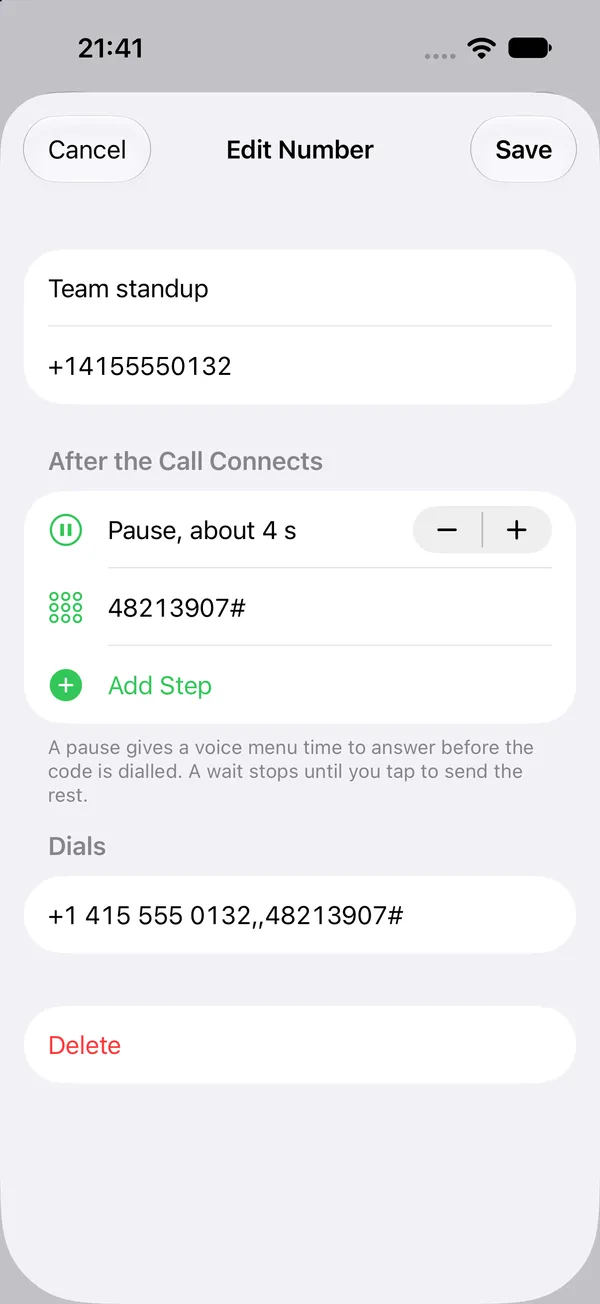
Keep the numbers you call but don't want in your contacts. Edit them on your phone, use them on your watch.
One tap away
Put a saved number on your watch face or in the widget stack, or say "Call Team standup with Watch Keypad".
Big keys
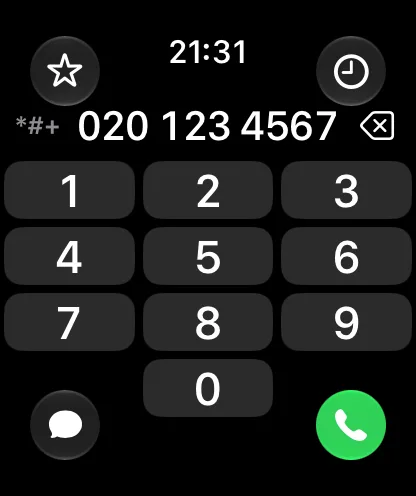
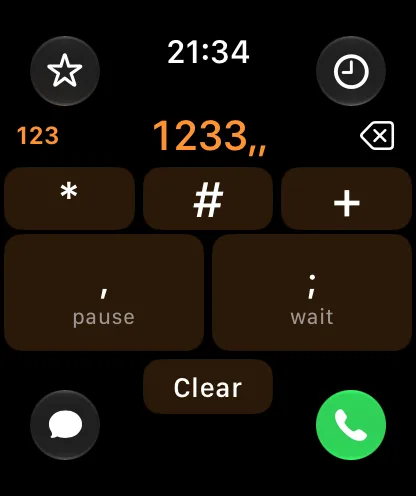
A full keypad with large keys and haptics. Turn the crown for *, #, + and pauses.
Works on its own
Install it on your watch without the phone app. Calls go through your phone or the watch's own cellular connection.
Private
No account, no tracking, no ads. Your numbers stay on your own devices. Privacy policy
Screenshots
Support
How do pauses work?
A pause waits about 2 seconds after the call connects before the next digits are sent, so a voice menu has time to answer. Add more pauses if a line is slow. On the phone, a pause shows as a comma in the "Dials" preview.
What is a wait?
A wait stops dialling until you tap to send the rest of the digits. Use it when you don't know how long the voice menu takes.
My saved numbers don't show up on my watch.
Open Watch Keypad on your phone and then on your watch, with both nearby. Saved numbers sync directly between the two; there is no server in between.
I used the earlier version. Where are my recent numbers?
Recent calls and texts from the earlier version are moved into History on the phone the first time you open the new version. They are marked "Earlier version".
A saved number on my watch face says "No Saved Numbers".
Open the app on your watch once so it receives your saved numbers, then pick the number again in the watch face editor.
Something else?
Send me a message and I'll get back to you.